Skin consultation
24 September · 10:00 am
Newstead
Complete forms
To help us get ready for your appointment, please complete the form in advance.
Complete forms
Digital forms and consent for aesthetic clinics
Shape the questions around your clinic. Connect forms to the treatment, make completion easier for patients and keep answers, consent status and the signed record close to the work.
At a glance
Forms work better when they belong to the same patient journey as the appointment, the treatment and the clinical note.
Build forms with dropdowns, checkboxes, signatures and questions that respond to earlier answers.
Set which treatment needs the form, who completes it and when it is required.
Display selected forms in clinic or send a link by SMS or email for patient completion.
Keep patient consent, prepared financial consent and practitioner settings distinct.
Review the patient’s answers and signature alongside completion history and treatment requirements.
A form that fits
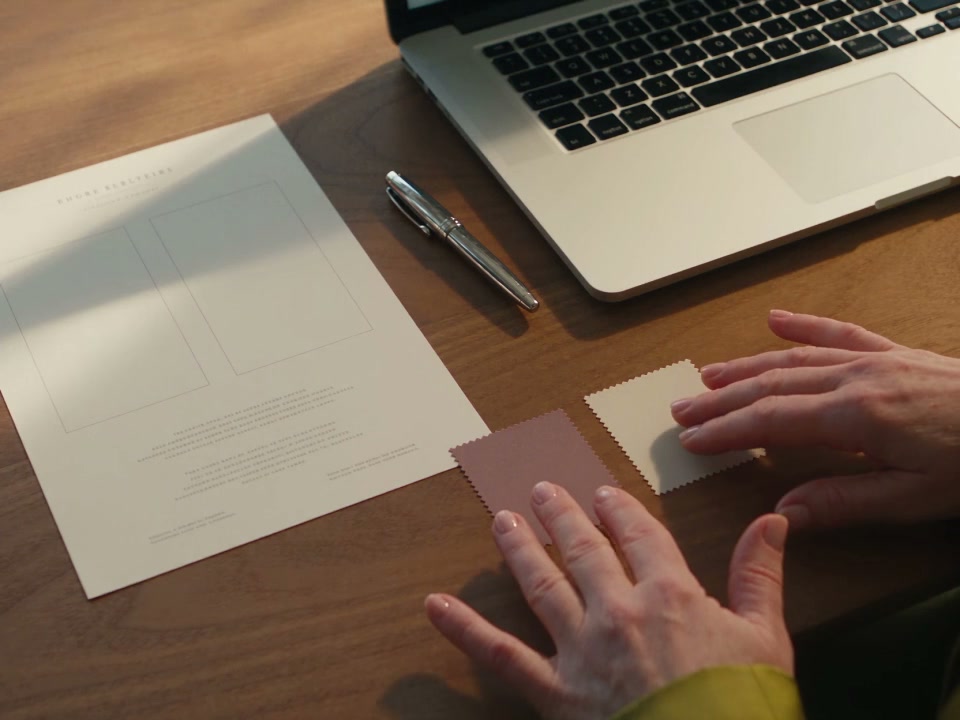
A skin consultation, a treatment consent and a device-settings record need different questions. Build the structure around the work, then preview what the person completing it will see.
Text, dates, dropdowns, choices, checkboxes, explanatory content and signatures give each question an appropriate format.
Use supported visibility conditions to reveal another field when an earlier answer calls for more detail.
Your clinic authors the questions, explanations and declarations, and decides which responses are required.
Treatment requirements
Link a form to the treatment and its completion point. Preparation before arrival, consent in the room and documentation by the practitioner each have a different purpose.
Configure eligible forms for booking, before the visit, during the visit, in the room or completion by the practitioner.
Set the location scope and repeat interval where applicable, with previous completion available to review.
Practitioner-only settings forms do not complete the patient’s consent requirement.
Patient completion
Select the relevant forms, then display them on a device or send a link using the patient’s available contact details. A sent request and a completed form remain separate states.
Use in-clinic completion or the supported SMS and email sending options.
Present the form with the clinic branding configured for the patient experience.
Review completed and outstanding requirements alongside the patient and selected treatment.
Forms sit alongside the other moments patients manage through your clinic’s branded experience.
Explore the clinic-branded patient appMore than a signature
Patient consent captures the patient’s response. Practitioner forms record treatment detail. Informed financial consent brings a prepared estimate into the cost conversation, with each record keeping its own meaning.
Prepare and confirm the estimate from the clinical note before displaying or sending the form. Financial consent is separate from payment and the automatic pre-visit form pack.
Choose your own fields for treatments such as Dermapen, Hydrafacial, Cutera Genesis and Moxi. Settings are entered by the practitioner, not read automatically from the machine.
Connect treatment-specific aftercare with a practitioner-reviewed personal message from the note through the configured follow-up workflow.
A conversation before completion
The form can hold the clinic’s explanations and the patient’s response. The practitioner still leads the discussion, checks understanding and addresses the patient’s questions.


“I want the record to reflect the conversation, not just the signature. The patient’s questions, the information discussed and the treatment being considered all matter when we come back to understand a decision.”
The completed record
Open the completed form from the patient record to review stored answers and the signature. Version-pinned completions retain the form content used at the time, even when the current template changes.
The completed form belongs to the patient, with its completion date and retained content.
Review outstanding forms, previous completion and validity within the patient’s treatment workflow.
Legacy records without a pinned template use the best available form content and are identified as such.
The form, its completion and its patient context stay together, reducing the separate paperwork your team needs to reconcile.
See readiness in the clinical noteTrust and compliance
Clear requirements and connected records support the team. Your practitioner remains responsible for the consent discussion and the suitability of the clinic’s form content.
Feature availability depends on your plan, enabled features and access permissions.
Before you begin
Talk through your existing forms, the treatment requirements they support and the experience you want patients to have.
Book a demoYes. Create clinic-authored forms with text, choices, dropdowns, checkboxes, signatures and supported conditional questions. Link the form to the relevant treatment and configure its completion point and repeat interval where applicable.
Eligible forms can be configured for completion before the visit and sent through supported patient channels. You can also display forms in clinic. Informed financial consent requires a prepared estimate from the note, so it is separate from the automatic pre-visit form pack.
Form requirements and completion information stay with the patient and treatment workflow. Staff can review outstanding items, previous completion and validity. Sending a request does not mark a form as completed.
Yes. Configure a practitioner-only form with the questions, dropdowns and checkboxes your clinic needs, then complete it in the treatment note. These forms are distinct from patient consent. Settings are entered by the practitioner; the form does not automatically read the device.
Version-pinned completions retain the template content and patient answers used at completion. Older records without a pinned template use best-available form content and are identified as legacy records, so their limits remain clear.
Yes. Include the financial-consent block and a signature in the form. From the clinical note, the practitioner prepares and confirms the itemised estimate before displaying or sending it. Financial consent records the cost discussion; it is not a payment or an automatic change to billing.
Bring examples of your intake, treatment consent and practitioner forms to a demo. The team can review your wording, field types, completion points and treatment requirements, then identify what needs configuring. Do not assume every legacy layout or historical record transfers unchanged.
Explore how your clinic’s forms and completion points would fit together.
Talk to the DappleOS team