30-second patient summary · Available now
Know the context before the conversation.
Before the consultation
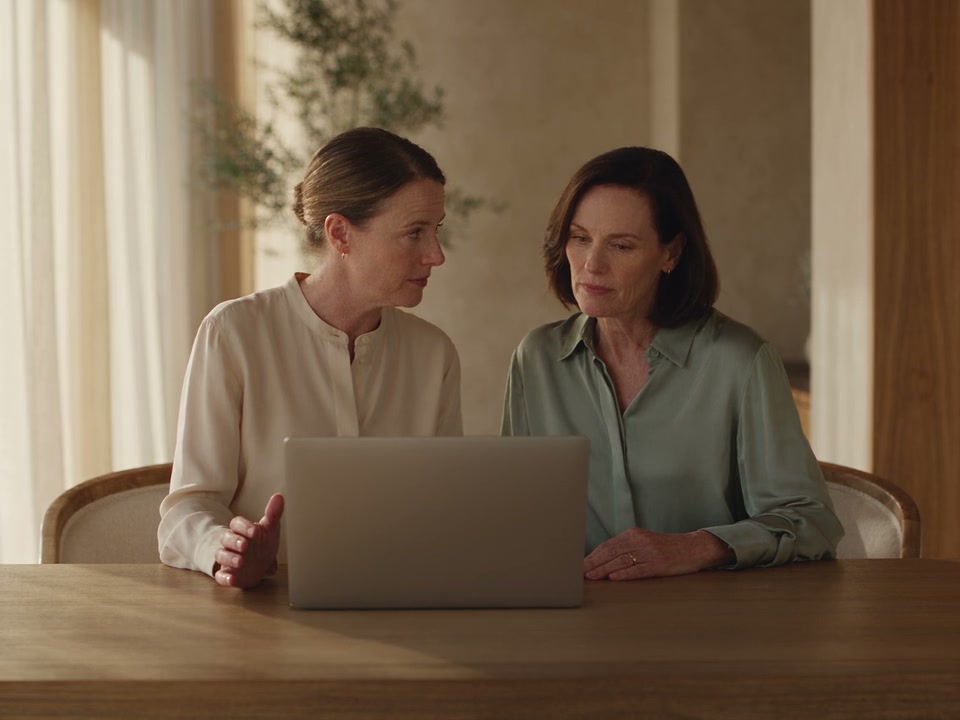
Pick up the patient’s story.
The summary brings relevant recorded information into a short set of bullet points. It can surface medical history, medications, allergies and details from previous consultations, with personal or message context where it matters to care.
Keep the original record close. A summary gives you a starting point for review; it does not replace the full history or the conversation with the patient.
Read or listen
Prepare in the way that suits the moment.
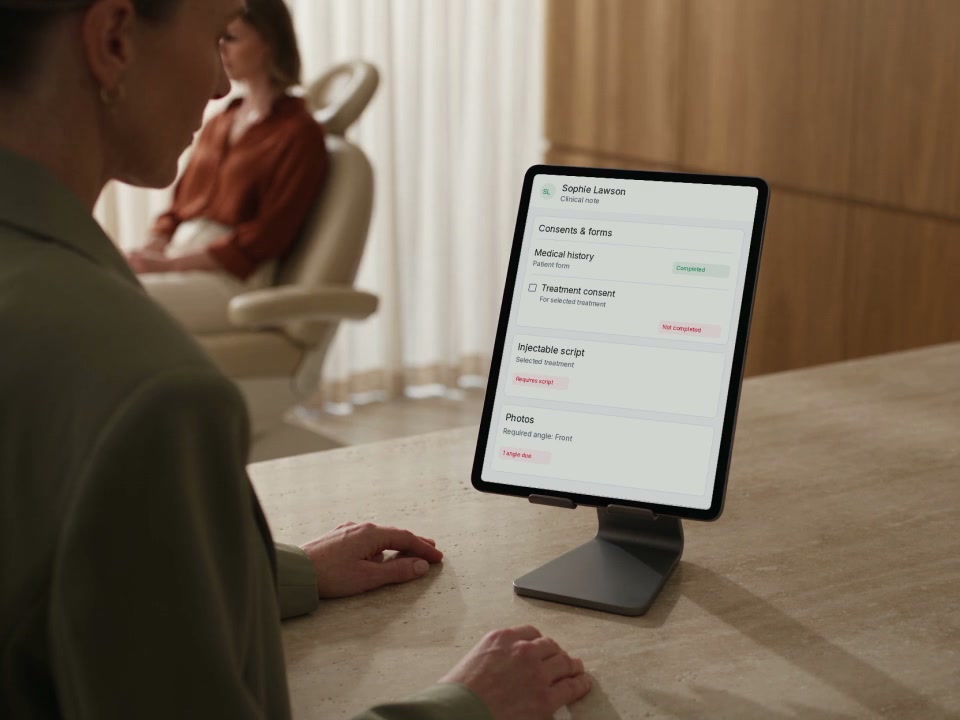
Read the briefing in the patient record, or use Play summary to hear it aloud. Pause when you need to return to a detail. The same recorded context supports your preparation.
The summary is also available in supported inbox and appointment views. Audio playback is available in the patient record and inbox; the appointment view shows the written summary.
Explore the clinical recordHear a patient briefing.
Hear a fictional patient briefing in an Australian English voice. This example uses AI-generated narration.
Audio starts only when you choose to listen.
Example transcript
Sophie’s last skin consultation recorded her cleanser, moisturiser and daily SPF routine, from previous consult notes. She recently asked about dryness since her last visit, from patient messages. She is preparing for a walking holiday and asked to discuss her skincare routine, from previous consult notes.
A point with its source
“She recently messaged the clinic to ask about dryness since her last visit.”
From patient messages
Recorded facts, with context
See where each point comes from.
Source descriptions accompany the summary points, such as previous consult notes, medical history or messages. They help your team understand the basis of a briefing and know which part of the original record to review.
When the underlying information changes, DappleOS can generate an updated summary. If there is no activity to summarise, it says so instead of presenting a patient history that is not there.
Trust and compliance
A briefing to support your judgement.
Keep the patient, the original record and the responsible practitioner at the centre of care.
Feature availability depends on your plan, enabled features and access permissions.
- Encrypted storage
- Your team checks the record
- AI summaries can contain mistakes or leave out relevant details. Check the original record before relying on information for care.
- Recorded information is the starting point
- The summary is designed to summarise factual content already held in the record, rather than infer a new diagnosis or recommend treatment.
- Access remains controlled
- The feature depends on your clinic’s enabled AI summary access and the staff member’s permissions.
FAQs
How can the summary help our aesthetic clinic prepare?
It brings relevant recorded information into a concise briefing before the next patient conversation. Your team can review key context without assembling a separate handover from notes, medical history, prescriptions and messages.
What information does it use?
The summary draws on recorded clinical notes, prescriptions, medical history and messages. The information shown depends on what is available and relevant in that patient’s record. Each point includes a description of its source.
Can I listen to the summary?
Yes. In the patient record and inbox, Play summary reads the text aloud and Pause summary stops playback. The appointment view provides the written summary without audio playback.
Is the 30-second summary available now?
Yes. The 30-second patient summary is available now, subject to your clinic’s enabled features and staff permissions. Patient Agent is a separate, coming-soon conversational experience. Clinical and Front Desk modes and agent follow-up questions are not part of the live summary described here.
Does it replace checking the patient record?
No. The summary supports preparation and may contain mistakes or omit relevant details. Practitioners remain responsible for reviewing the original record, discussing the patient’s circumstances and making care decisions. The 30-second name describes a concise briefing, not a guaranteed generation time.
What can we see in a demo?
See how the summary appears in the patient workflow, how source descriptions support review and how reading or listening could fit your team’s preparation. We can also discuss the access and setup required for your clinic.
Ask DappleOS
Ask how patient summaries could fit your clinic’s preparation, or book a demo to see the workflow.