Front Desk Agent for cosmetic and aesthetic clinics
Your front desk copilot. Less admin to juggle.
Find appointment times, prepare booking changes and patient messages, and check what is outstanding for an arrival. Your team reviews and confirms each change.
Coming soon. Not yet available to customers.
At a glance
More time for the person at the desk.
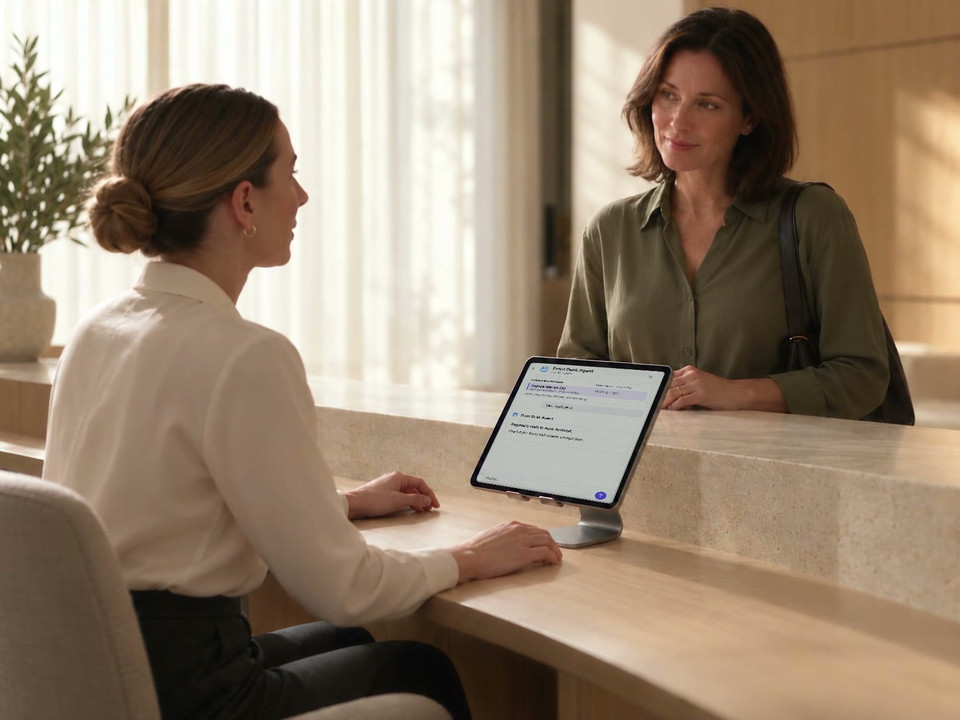
A patient is waiting while the diary changes, forms need checking and messages need sending. Preview how Front Desk Agent brings those details into one conversation, ready for your team to review.
For patient-facing conversations, Concierge Agent is also coming soon. Explore its planned patient-conversation workflow.
The request and the result
Move the appointment without retyping the story.
Ask to move Sophie’s appointment and let her know. Front Desk Agent uses the connected booking details to find an alternative, update the diary and prepare the patient message. You review the move and the message as separate decisions.
Review the appointment
Check the patient, treatment, date, time, practitioner, location and duration. A changed detail means a fresh proposal.
Confirm the move
Select Move it after the read-back. The agent reports the appointment as moved once DappleOS has completed the change.
Confirm the message
Read the exact SMS to the patient, then select Send it. The message has its own approval and recorded result.
A standard booking notification follows the clinic's booking settings. A separate custom patient message is a separate confirmed action.
The result stays where your team works: the new appointment time in the diary and the sent message in the patient conversation.
Explore clinic operationsThe checks behind the next booking
Bring the diary, roster and waitlist into the conversation.
Ask who is working, what time is available or who is waiting for an appointment. Front Desk Agent uses the clinic's records to find the context for your next decision.
Availability with context
Check rosters and timeblocks, then use the returned appointment times. For a returning patient, a recorded booking pattern can help narrow the search.
A connected waitlist
Review a patient's location, treatment and timing preferences. Keep the request attached to the patient and the appointment they are looking for.
Conflicts before changes
Review the affected dates and warnings before a roster or timeblock change. A new overlap warning needs another explicit confirmation.
When the patient arrives
Welcome the patient with the visit already in view.
Bring today’s appointment and outstanding forms together, so your team can see what still needs attention while welcoming the patient. In this example, Sophie’s arrival is recorded against her 2pm skin consultation with Emma at Newstead.
Confirmed in the conversation. Visible in the diary. The appointment gains its (A) and Waiting markers after the staff member approves the arrival update.
The intake form remains outstanding. Recording an arrival does not complete a form or make a clinical decision.
Beyond the desk
Check what tomorrow’s treatment list needs.
Ask whether usable stock covers expected demand from booked treatments. The answer shows recorded usage behind the estimate, or says when there is not enough history.
Explore stock checks and draft orders
- Review stock levels, movements, expiry and stocktake differences.
- Compare booked treatments with historical use and usable units.
- Review a proposed purchase order before creating a draft.
A draft order is not sent to the supplier. Stock adjustments, transfers and stocktake counts stay in the Stock screens. Figures in this illustration are fictional.
Trust and compliance
The proposal is clear. The decision stays with your team.
Work within the clinic's rules and the signed-in person's permissions, with a review before each supported change.
Feature availability depends on your plan, enabled features and access permissions.
- Encrypted storage
- Every write waits for a yes
- The agent proposes the action, reads it back and executes only after explicit confirmation from an authorised user.
- Conflicts remain visible
- Appointment overlaps and duplicate-patient warnings surface before the change, with an additional confirmation required to override.
- Money movement stays outside
- The agent can prepare a payment link or read payment context, but it cannot run point of sale, issue refunds or charge memberships.
- Administrative boundaries hold
- The agent coordinates front-of-house work, logs the tools and outcome, and does not diagnose, assess suitability or make treatment decisions.
FAQs
What work can the Front Desk Agent handle?
Front Desk Agent is coming soon and is not currently available to customers. The planned workflow covers appointment-book, waitlist, roster, check-in, patient-administration, messaging, stock and draft-ordering work, subject to clinic rules, permissions and staff confirmation.
Does it change appointments automatically?
No. It proposes the booking, reschedule or cancellation, reads back the exact details and waits for an authorised staff member to confirm. If a follow-up message is needed, that message is a separate proposal with its own confirmation.
How does it avoid double-booking?
It uses the same DappleOS availability and clinic-rule context as the appointment book. An overlap warning appears before execution and requires a second explicit confirmation if an authorised user chooses to override it.
Can it tell us whether we have enough stock for tomorrow?
It can compare tomorrow's booked treatments with the clinic's historical product use and usable stock after expiring units are considered. It shows the working and says when there is not enough usage history to make a forecast.
Can the Front Desk Agent order or charge anything?
It can propose a purchase order, but the confirmed order is created as a draft and is not sent to the supplier. It cannot run point of sale, issue refunds or charge memberships; money movement stays in the main DappleOS workflow.
What can it send to a patient?
It can propose an SMS, email, portal message or form link. The exact content is reviewed before a confirmed send. It can also create an invoice payment link; sending that link to the patient is a separate message proposal.
How is the Front Desk Agent different from the Concierge Agent?
The Front Desk Agent works with authorised clinic staff inside DappleOS to operate administrative workflows. Concierge Agent helps patients with enquiries and bookings, with its own identity, handover and patient-confirmation safeguards.
What will we see in a demo?
Front Desk Agent is coming soon. Bring the appointment, waitlist or stock tasks you want to discuss. We can explain what is available today and discuss the planned Front Desk Agent workflow and its availability.
Ask DappleOS
Tell me how Front Desk Agent could help with appointment changes, arrival checks and stock in my clinic.
Connected to the clinic